Visual media
On-brand visuals. No designer.
Images, carousels, diagrams, and GIFs, styled to your brand automatically.
Carousels
Multi-slide stories, designed for you.
Written and laid out slide by slide
Each slide gets its own copy, emphasis, and visual direction, with the hook and payoff placed for retention.
On-brand automatically
Colors, type, and layout pull from your brand kit, so every deck looks like it came from your studio.
Sized for every platform
Exported at the right dimensions for LinkedIn, Instagram, and X, ready to post.
Carousel
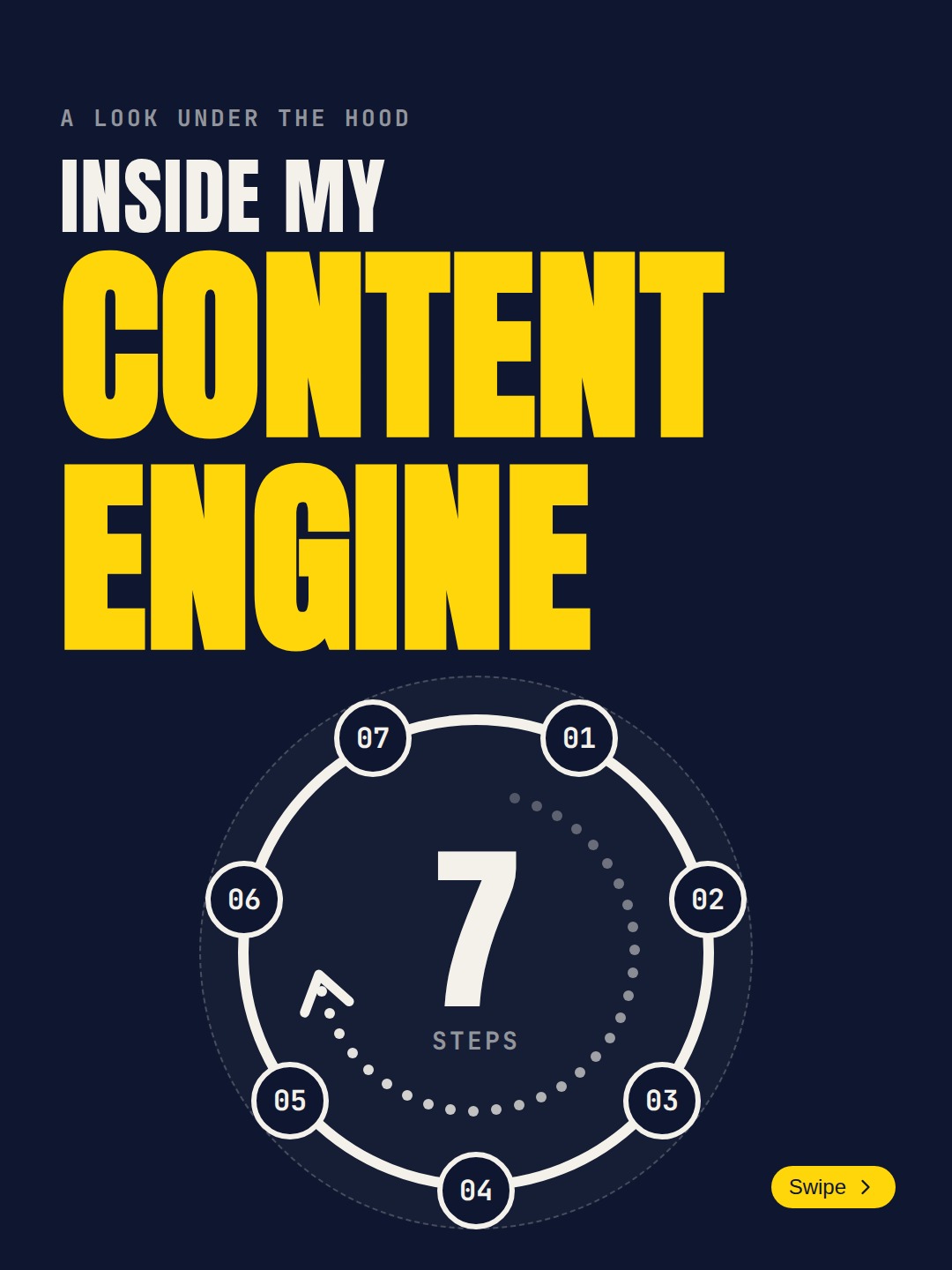
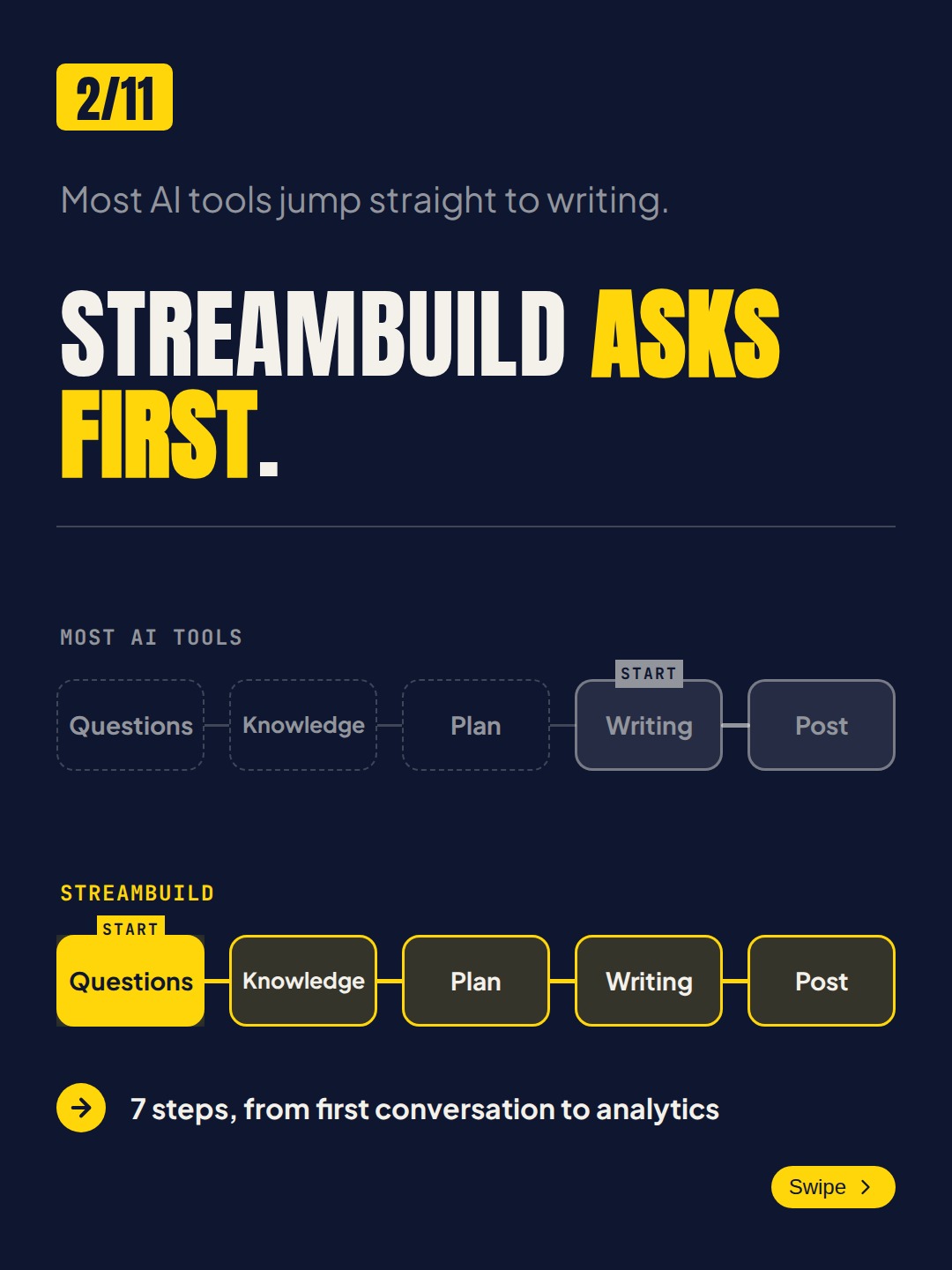
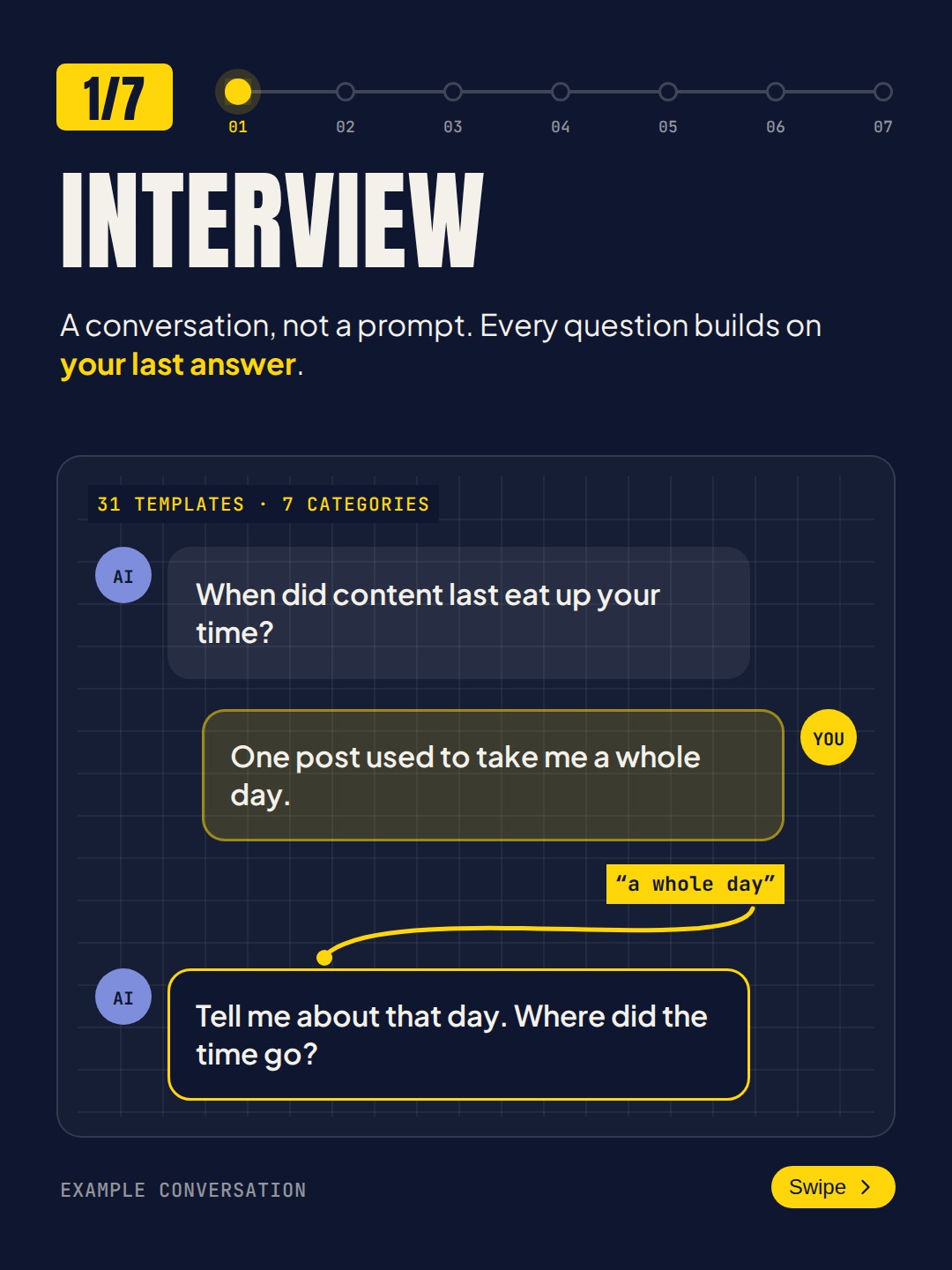
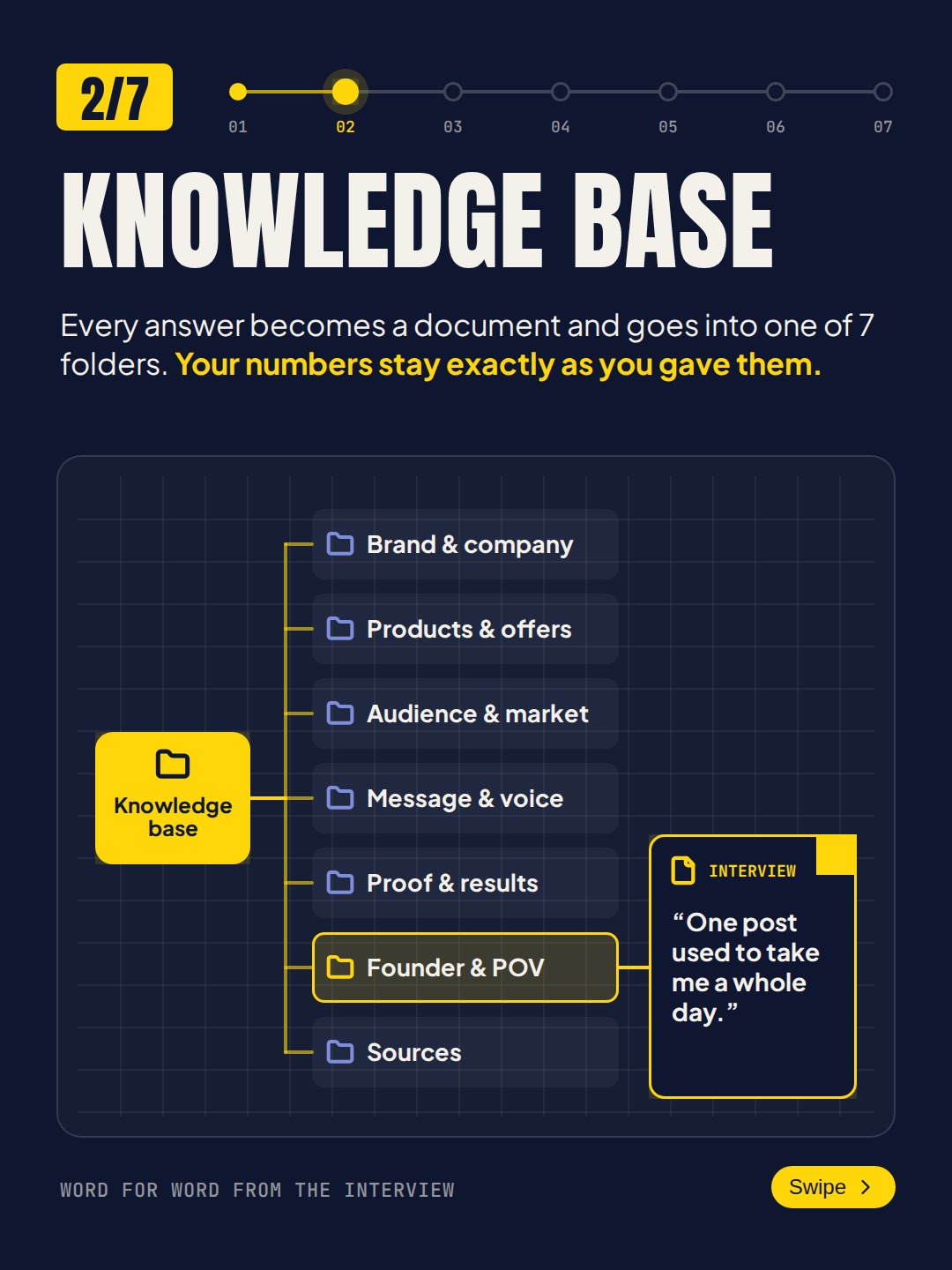
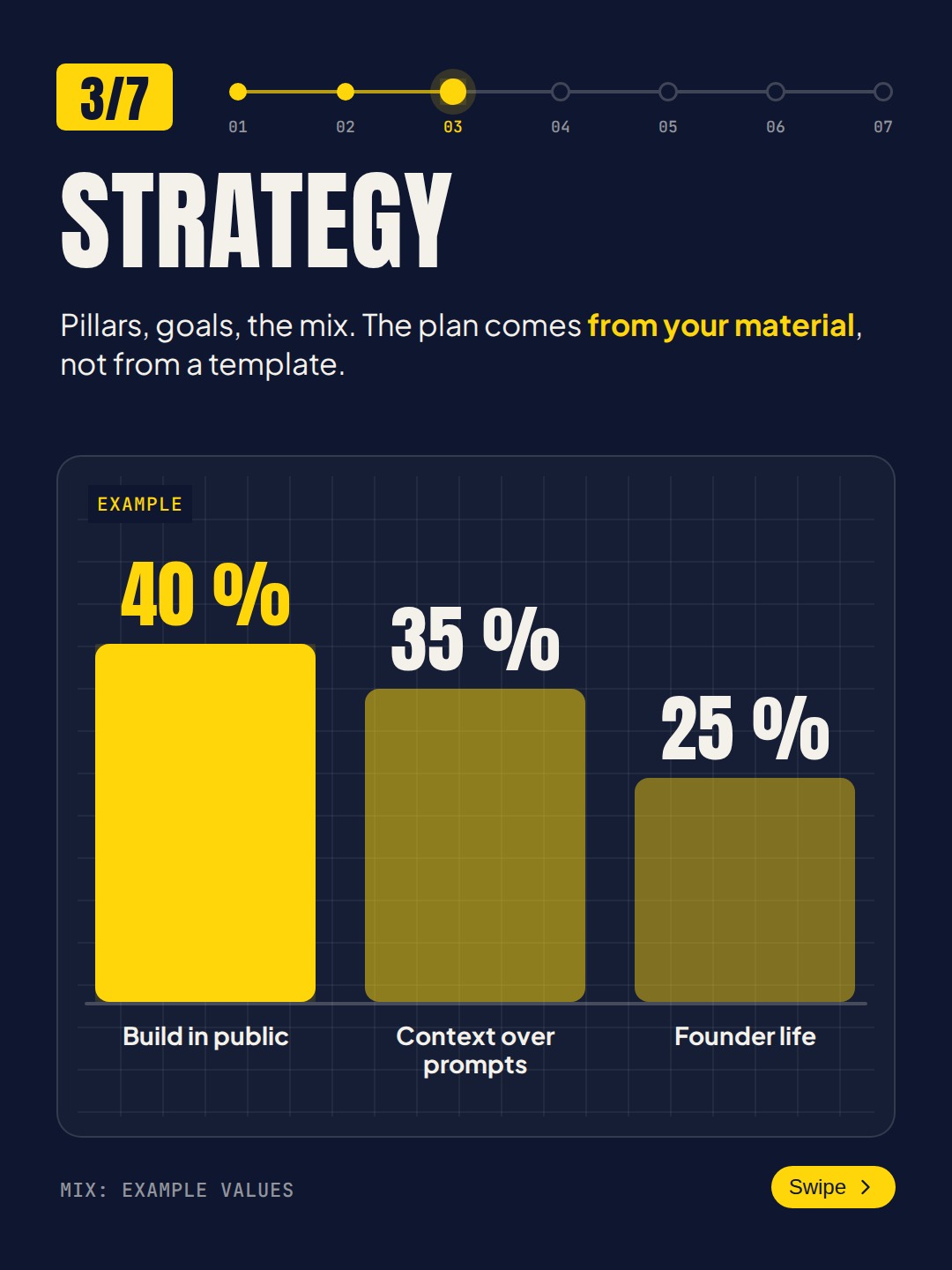
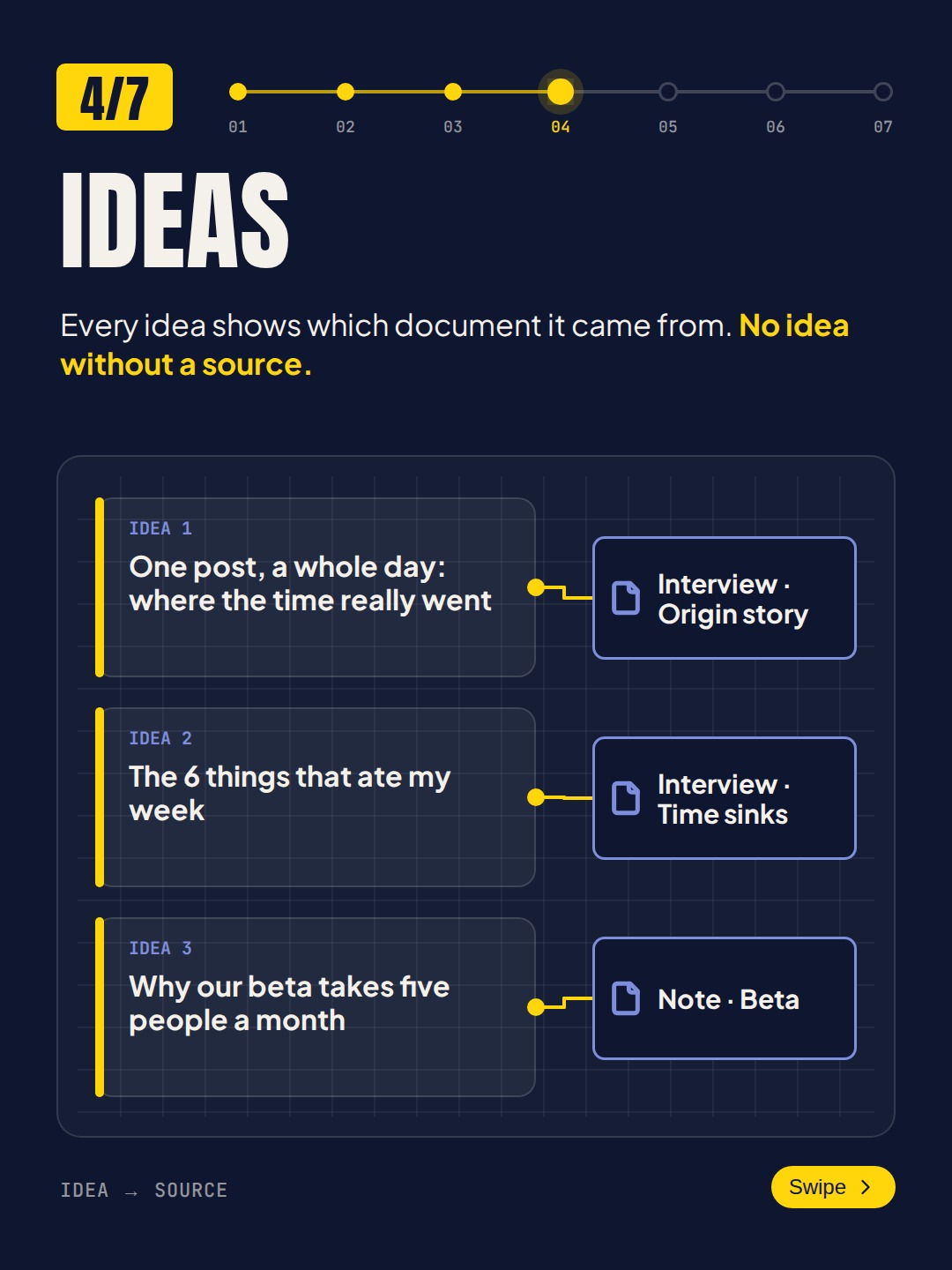
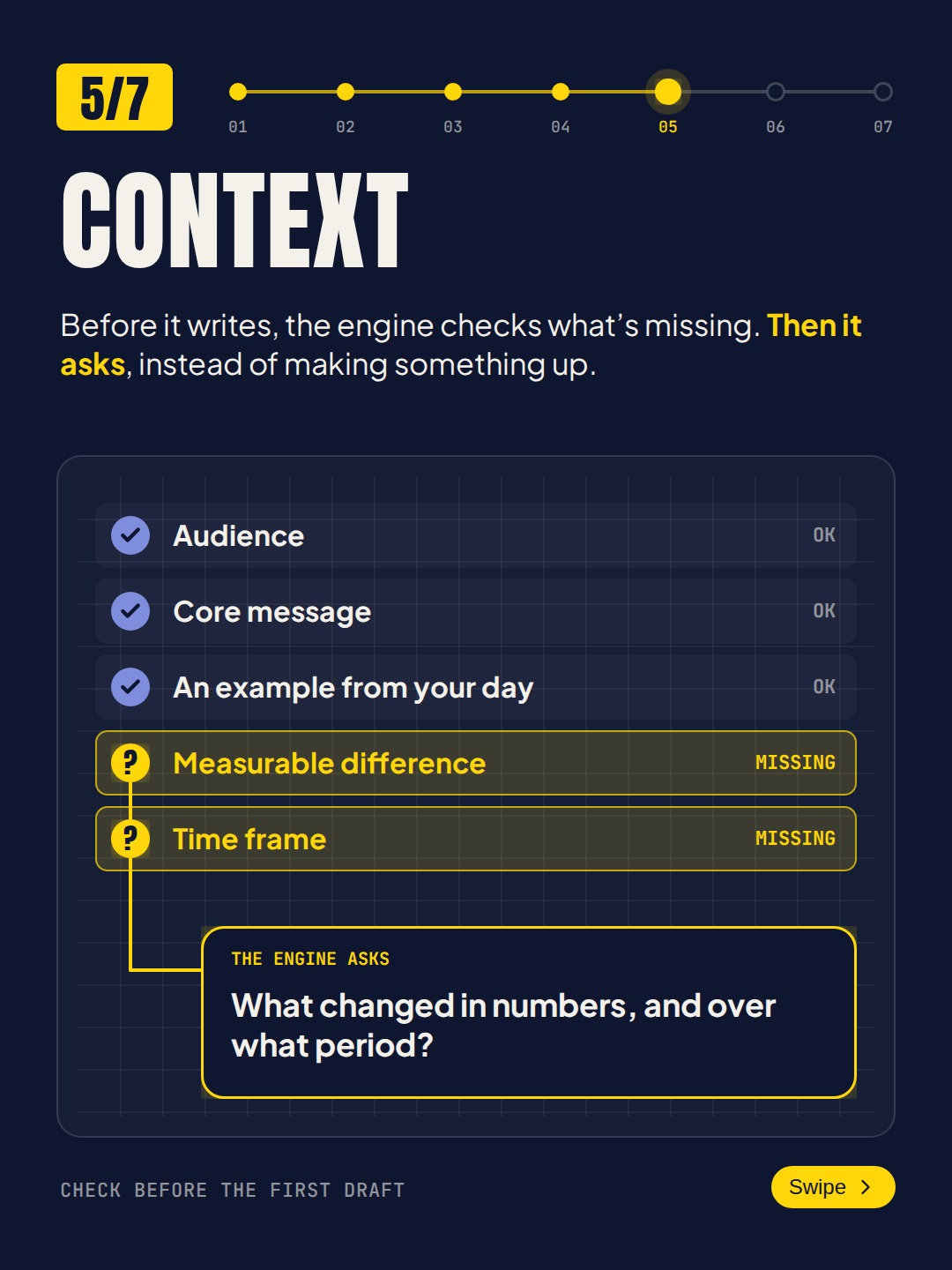
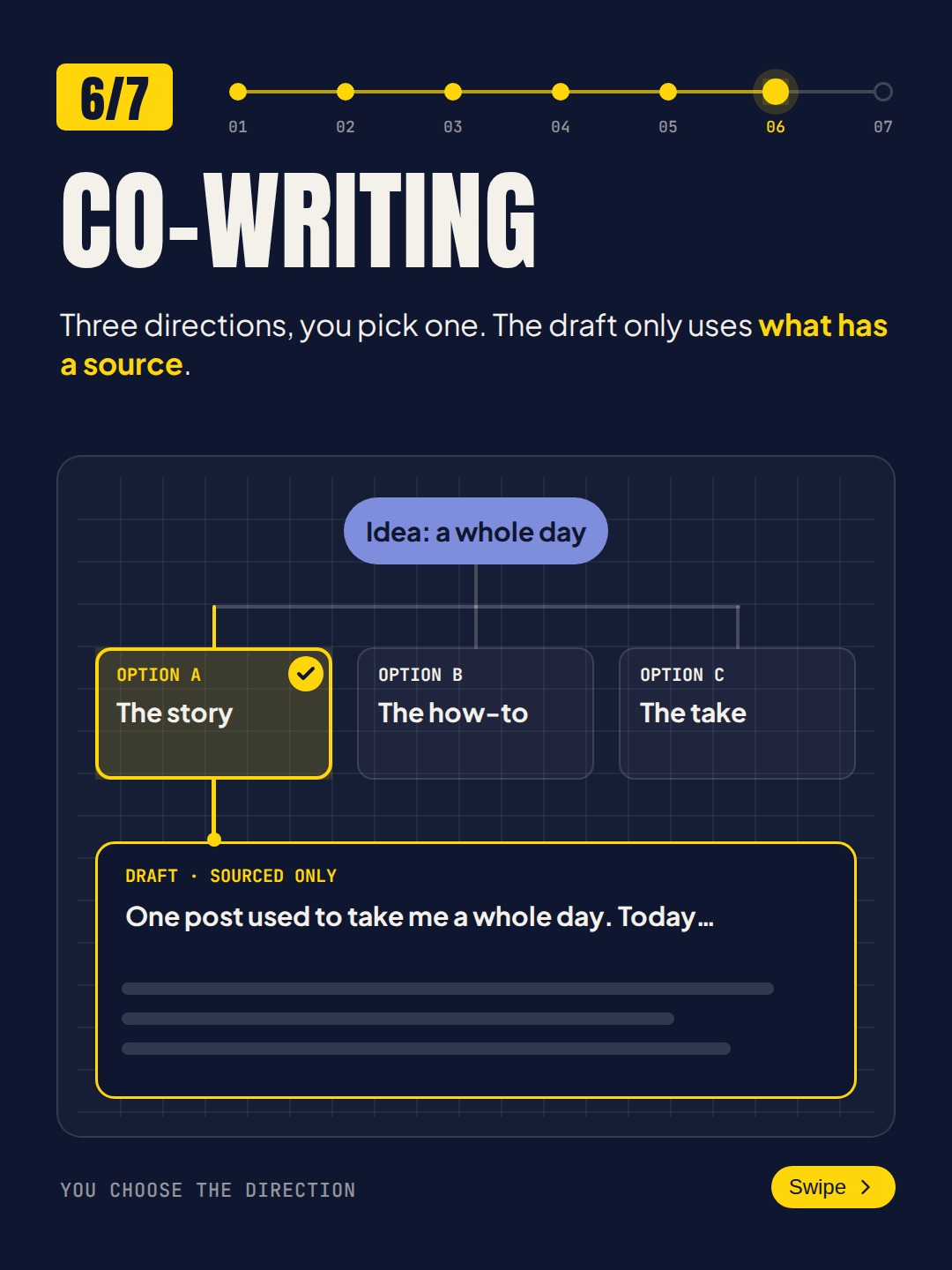
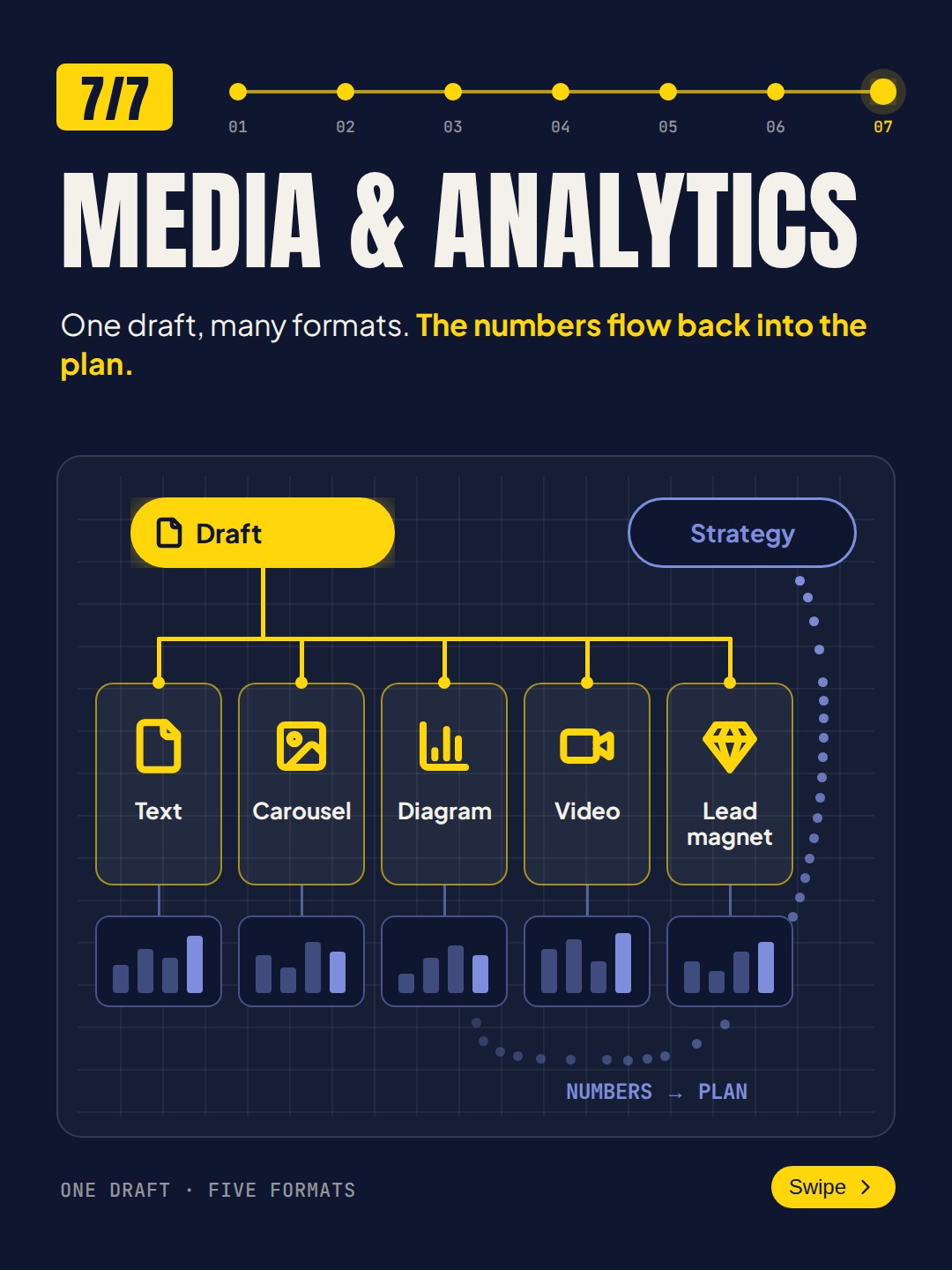
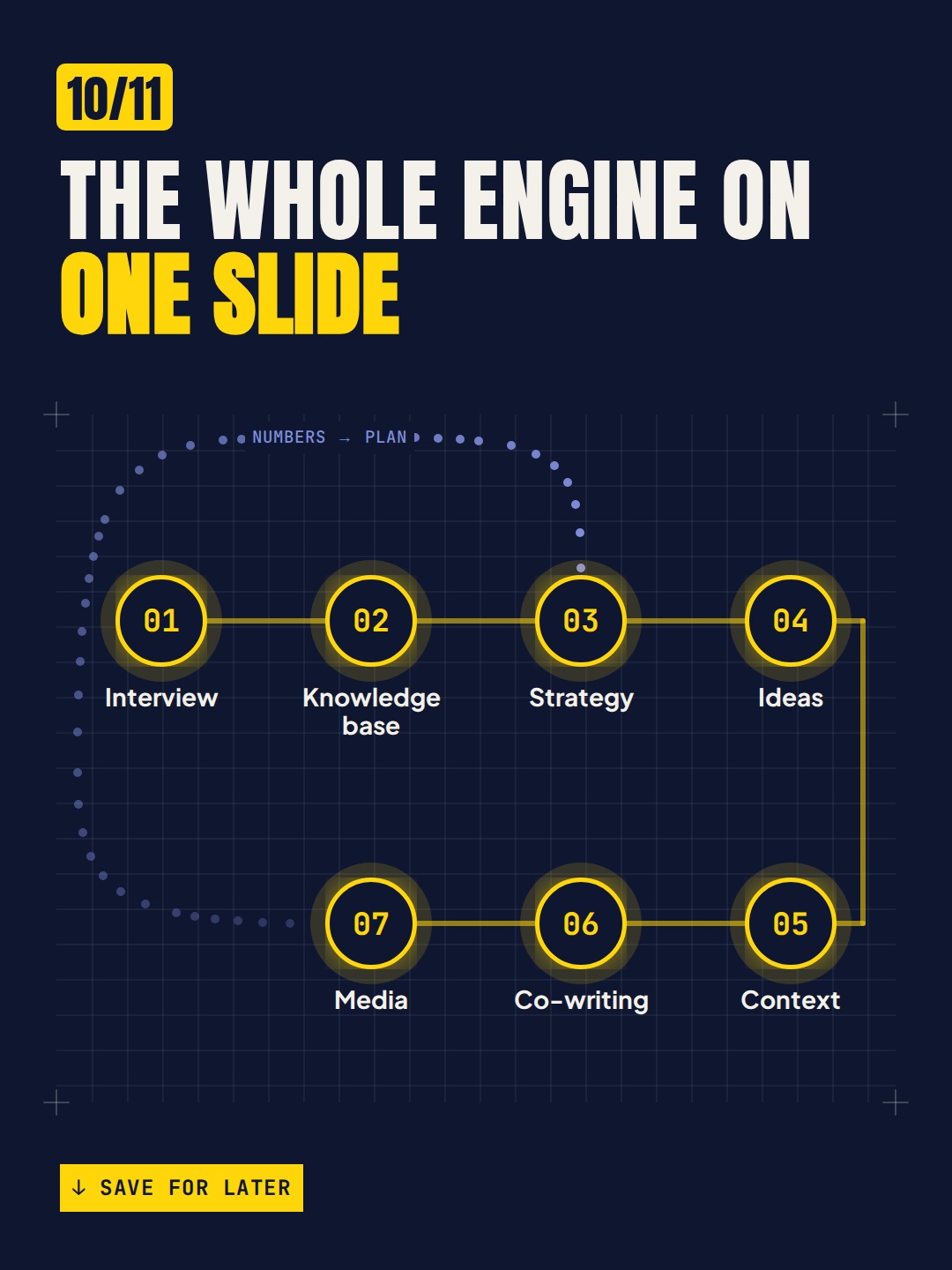
Made solely in Streambuild
Every visual it makes
Images
Generated visuals and photography-style images for posts and thumbnails.
Carousels
Multi-slide, on-brand decks designed for the scroll.
Diagrams
Frameworks and processes turned into clean, explainable visuals.
GIFs
Short looping animations that stop the scroll.
Thumbnails
Click-worthy covers for video and long-form content.
Quote graphics
Pull quotes and stats turned into shareable cards.
How it works
It reads your brand kit
Palette, fonts, and logo come from your knowledge base, so every visual is on-brand by default.
You give it a topic
Or it pulls from the week's plan. It decides the format and composition.
It designs the piece
Layout, hierarchy, and copy are handled for you, sized for the destination.
You approve or tweak
Adjust anything in the editor, then export or schedule it straight away.
Common questions
Do I need design skills?
None. It handles layout, hierarchy, color, and type. If you want to adjust something, the editor is there, but the default output is ready to post.
Will it match my brand?
Yes. It designs from your brand kit in the knowledge base, so palette, fonts, and logo stay consistent across every visual.
What sizes and platforms are supported?
Square, portrait, and landscape at the right dimensions for LinkedIn, Instagram, X, and thumbnails for video.
Can I edit the designs?
Yes. Every visual opens in an editor where you can change copy, swap images, and fine-tune the layout before it goes out.